top of page
My human
Watermark
My human
Watermark
Video discussion of our watermark & results (PDFs)

MyHumanWatermark-TwoSamplesandResults-Watermarked.mp4

1080p Sample 4:3 Watermark Color Burned Blend Mode.mov

1080p Sample 16:9 Watermark Vector Transformed.mov

720p Sample 4:3 Watermark.mov

720p Sample 16:9 Watermark Vector Transformed Color Burned Blend Mode.mov
Media
Videos & Result PDFs:
Pictures & Screenshots:

01
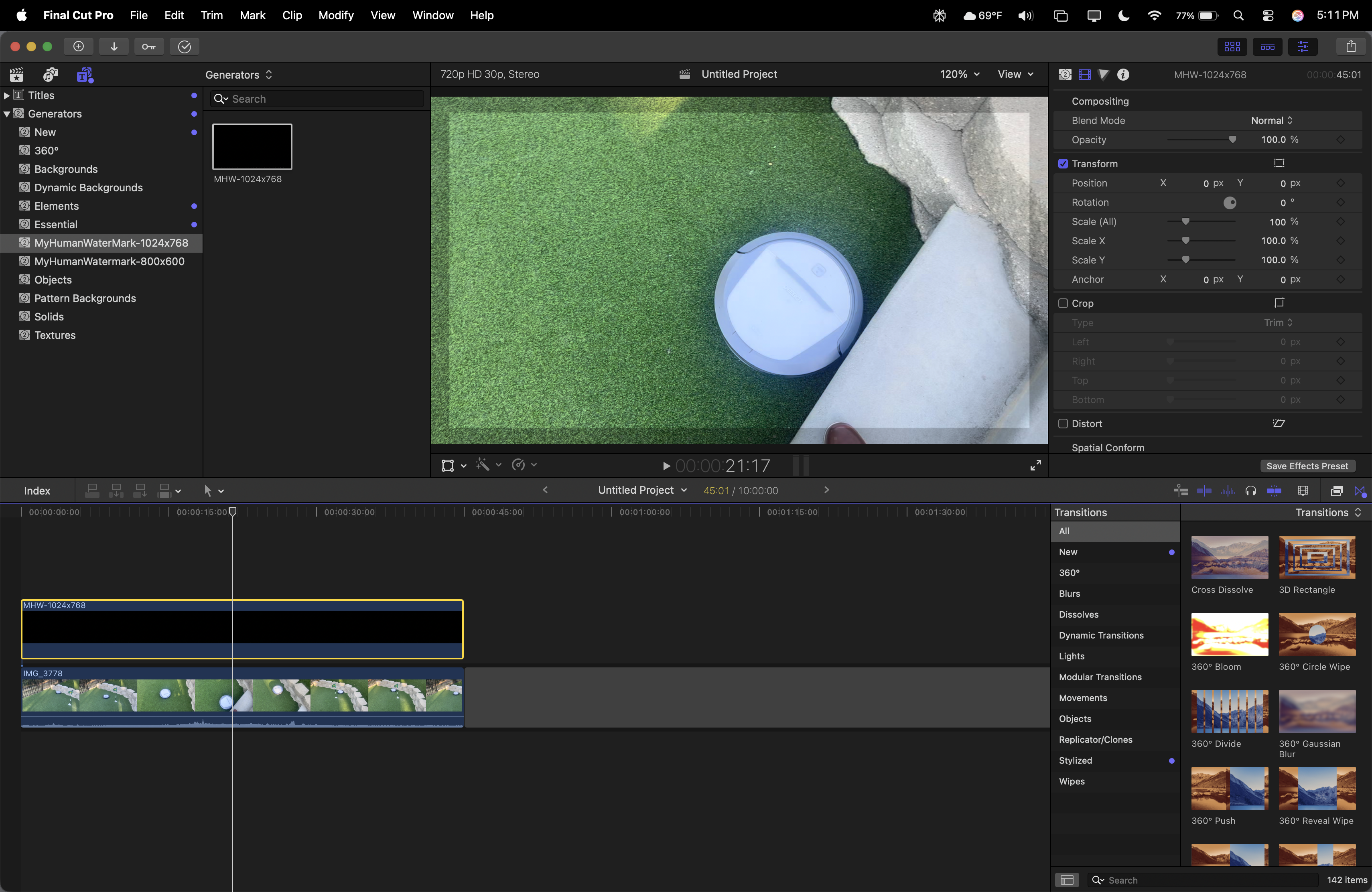
Working in Final Cut Pro
Using PixelmatorPro to create a Motion Project then export to FCP. as a generator was easy. Also, you do it 2x (one 4:3, one 16:9), you won't have to do it again.

02
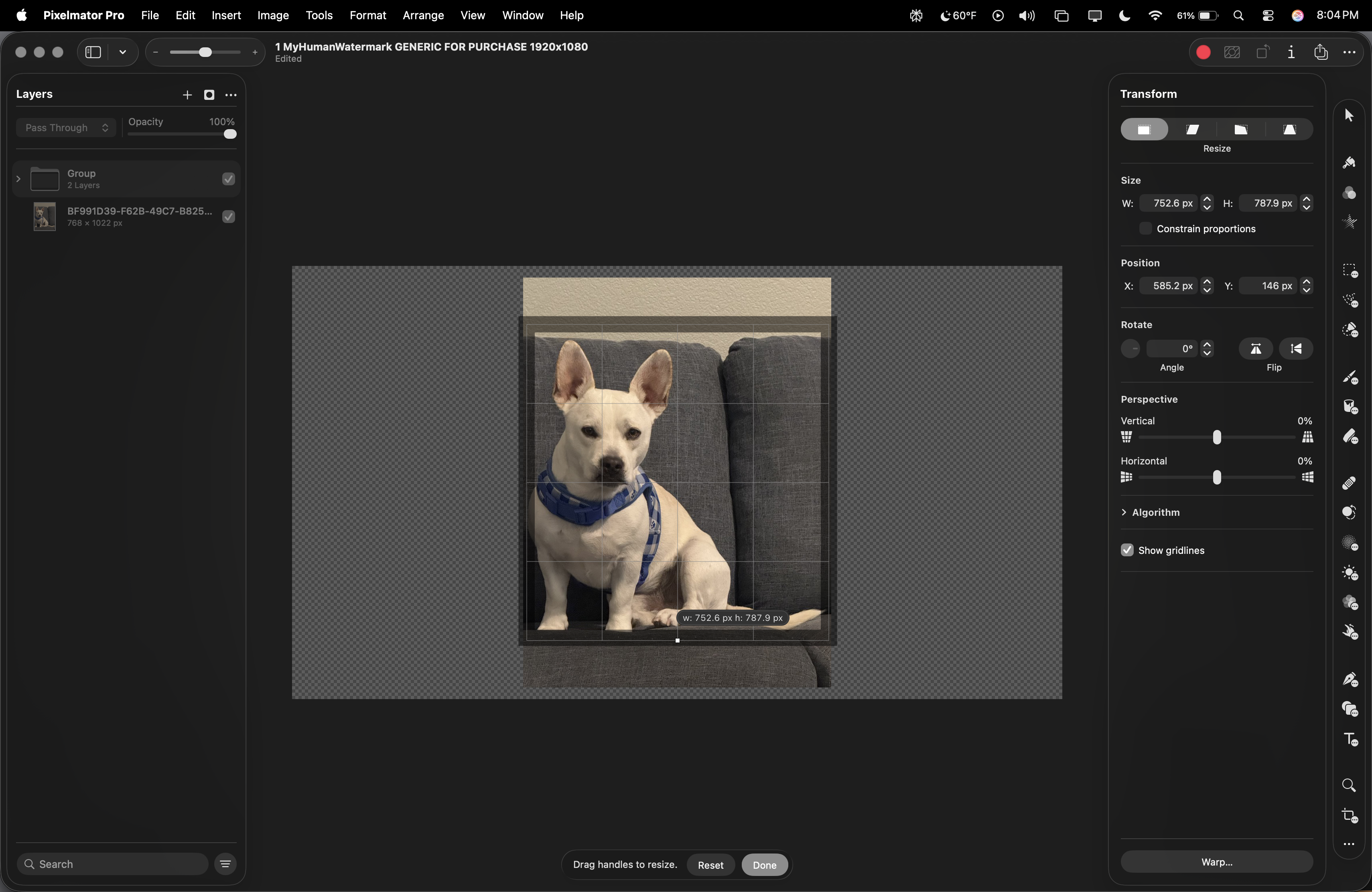
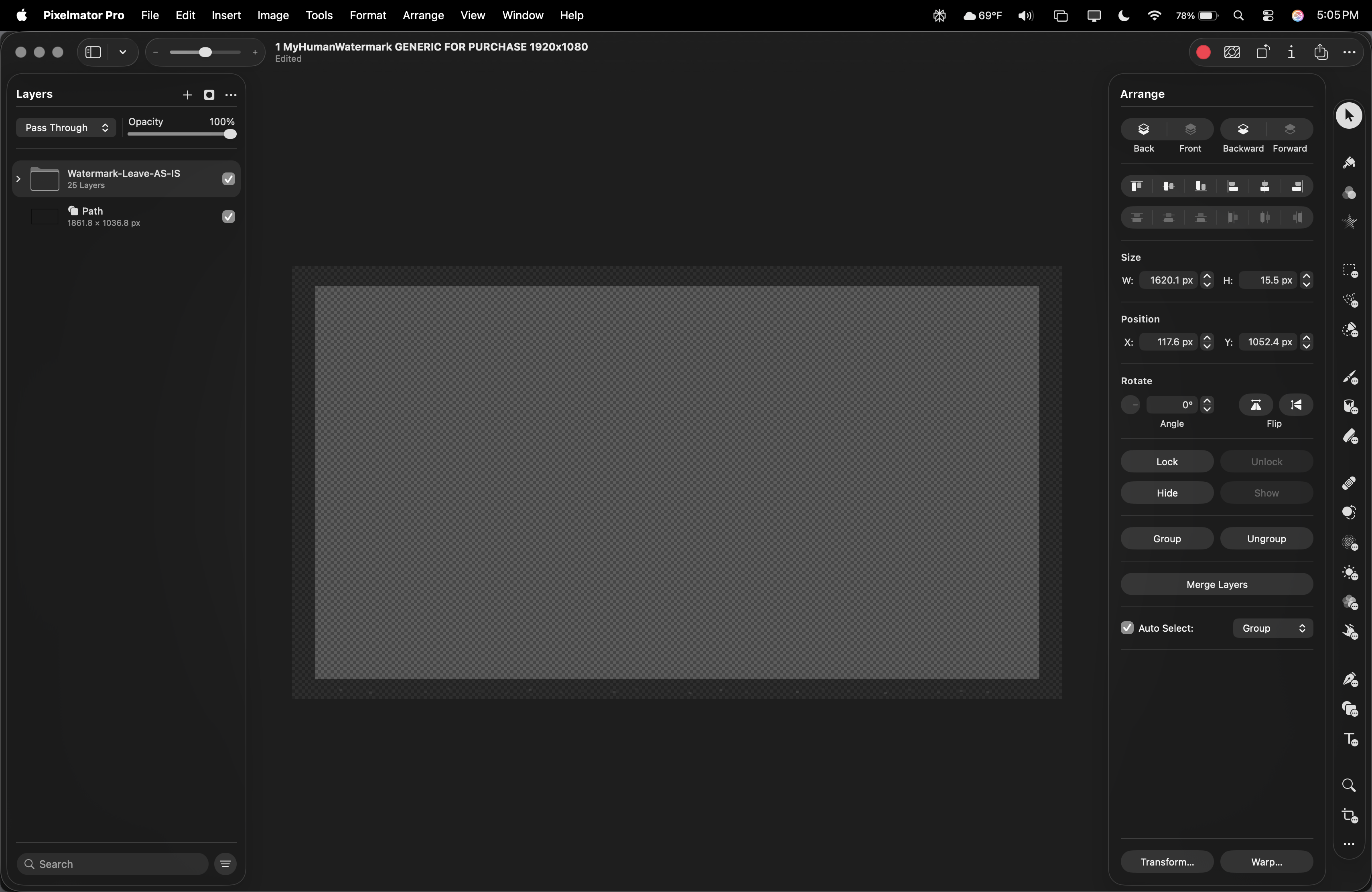
Pixelmator Pro Transforming Vectors no Problems
Changing layers, sizes and canvas is easy. Our watermark file type is being used by the latest editing software with minimal converting.

03
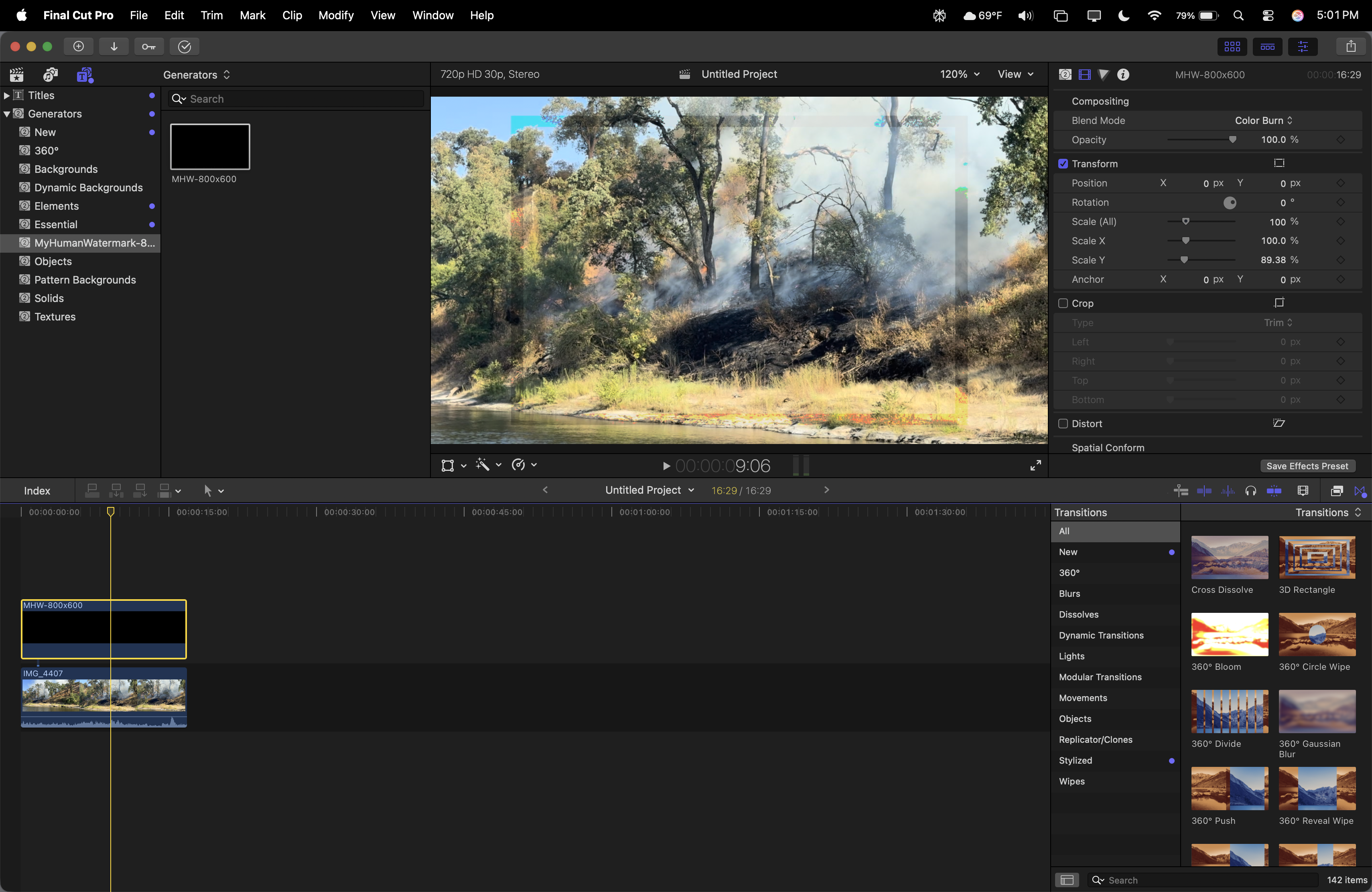
Working the 16:9 Video in FinalCut and Other Blend Modes
Other blend modes should also be considered. You might be able to have your watermark blend in more to be less distracting, but still be an issue for AI.

04
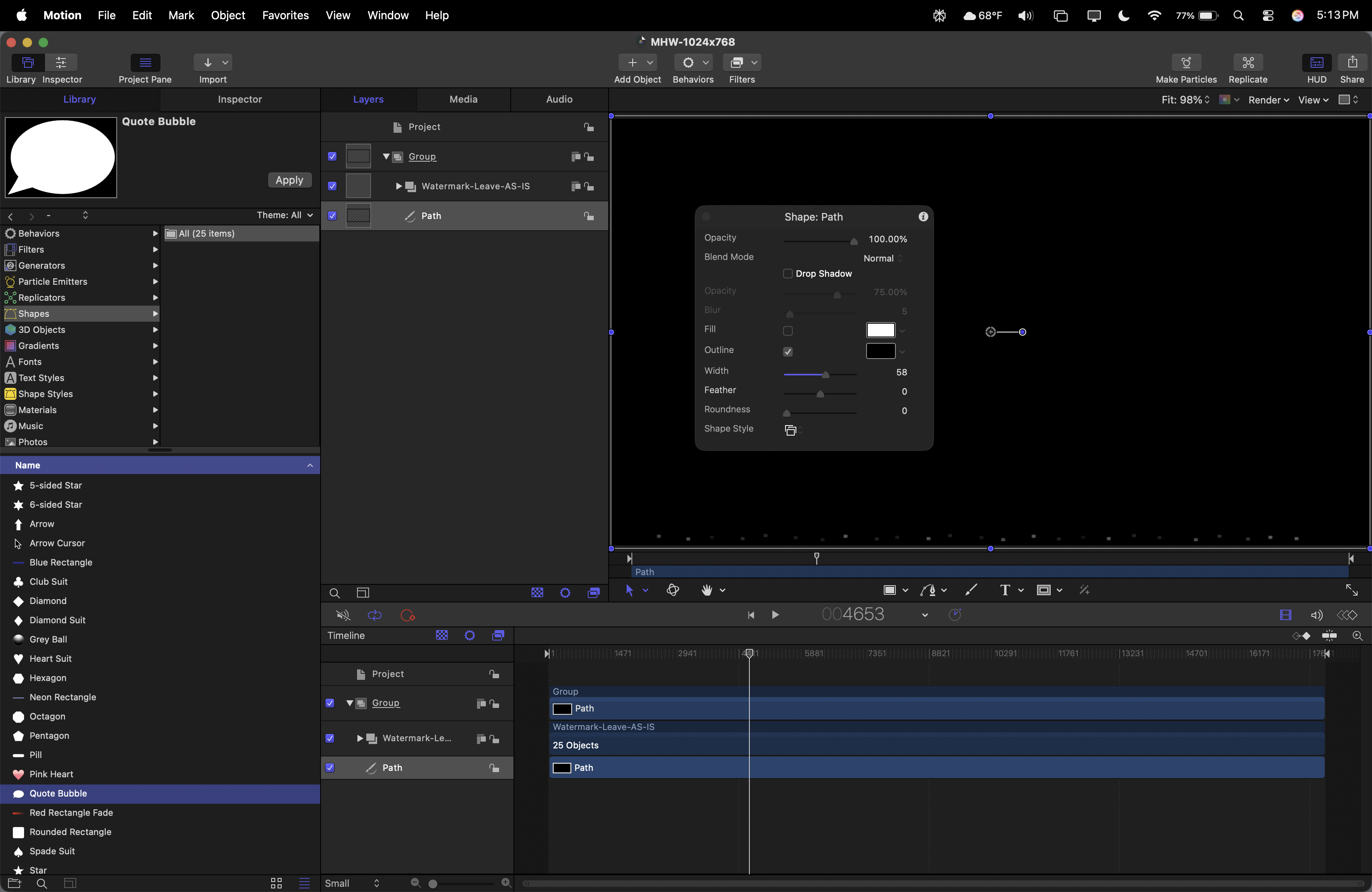
Apple Motion Working with SVG to Motion Projects with no Issues
Using PixelmatorPro to make our SVG files be available to Apple Motion was easy. Keeping this vector is crucial for an effective border watermark.

05
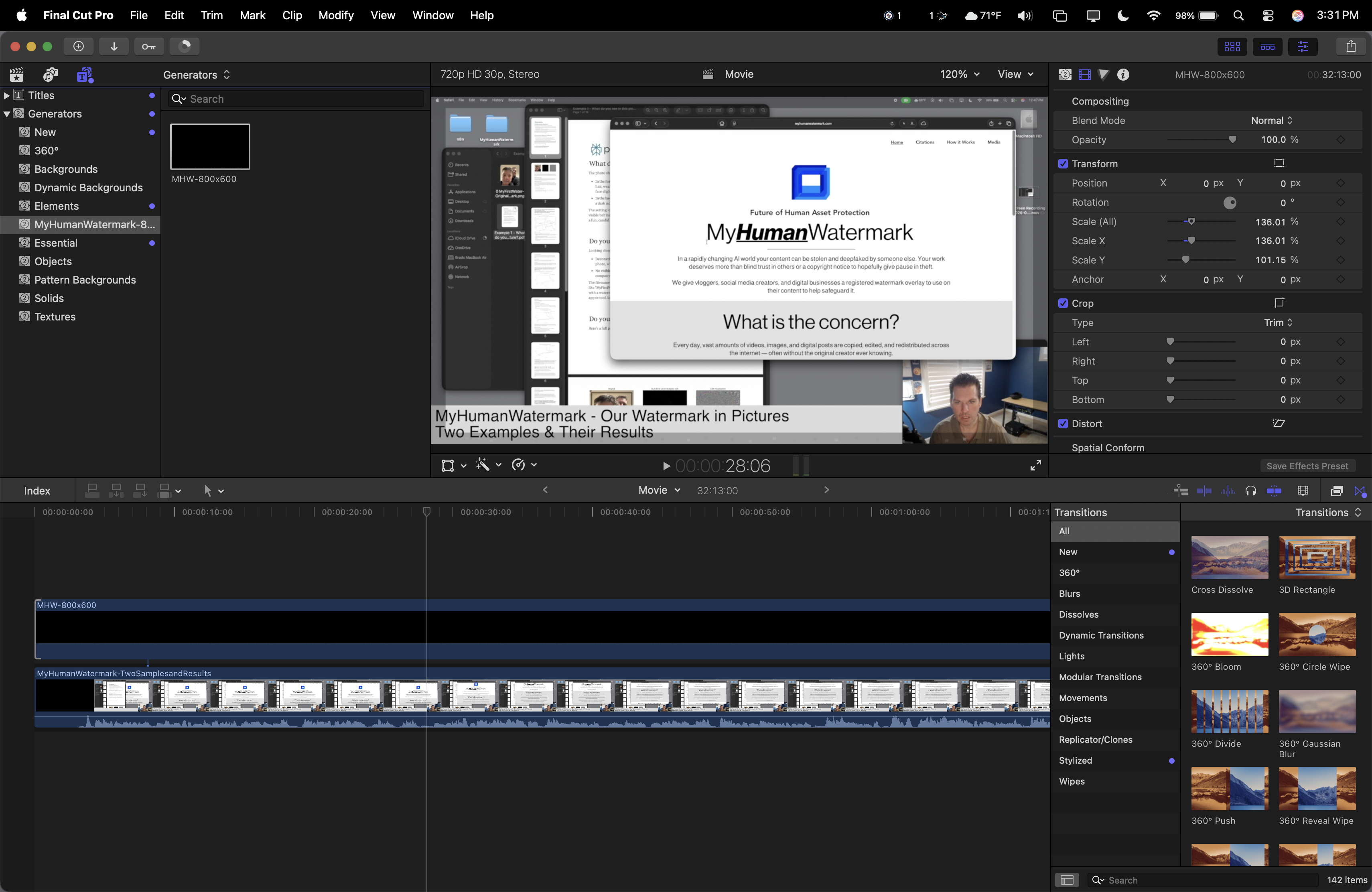
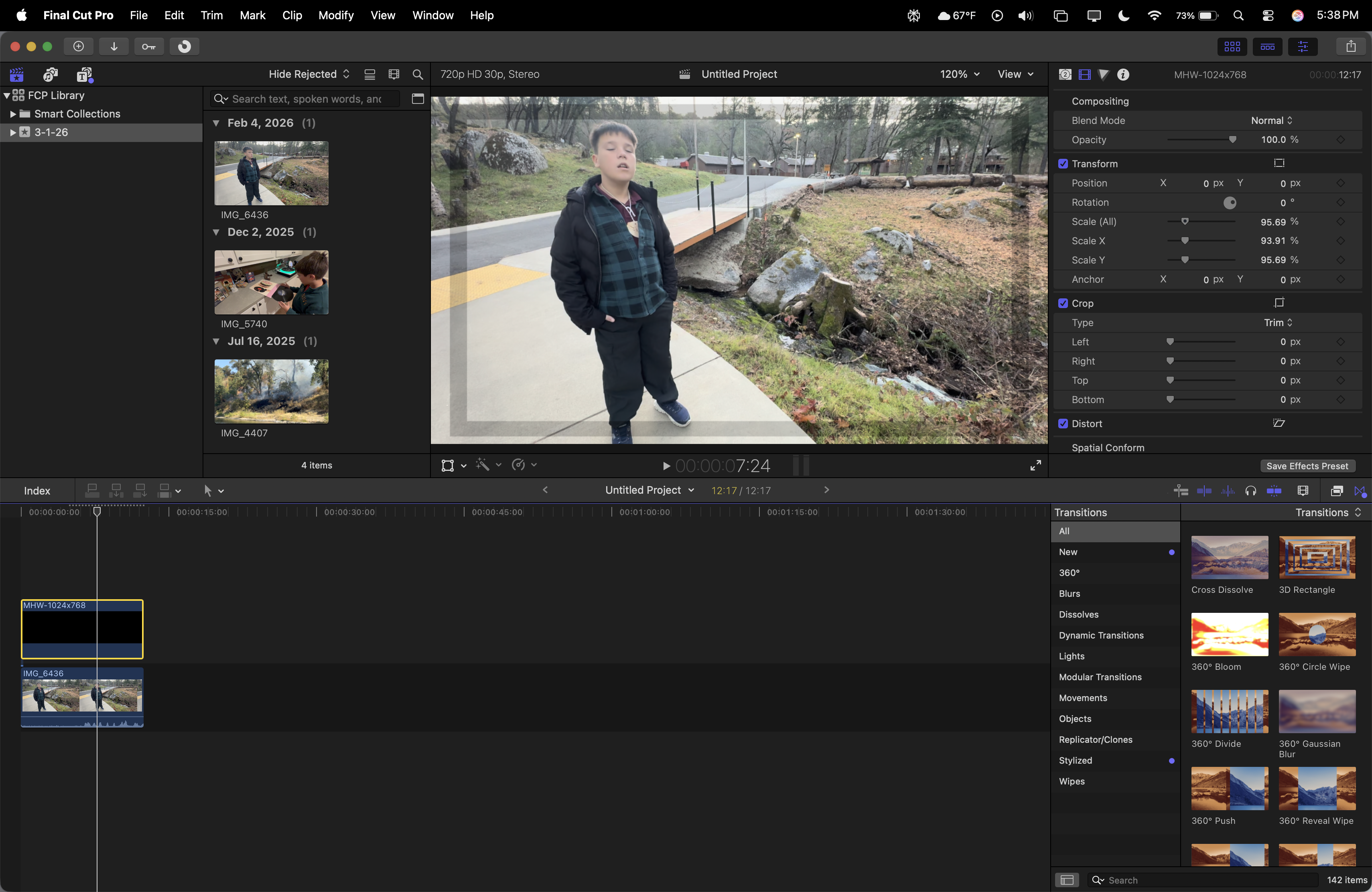
Using Crop and Distort Along with our Watermark in Final Cut Pro
Making changes below the generator was also easy. Never once did I experience issues where the exported video didn't match the timeline preview.
%20While%20in%20Final%20Cut%20%3D%20No%20problem!.png)
06
Transforming your Generator (Motion SVG) While in Final Cut = No problem!
Again, using different methods to keep your overlay is key. We can transform, scale and make decisions all while still in Final Cut Pro.

07
Pixelmator Pro Native SVG Use
For Apple's new Creator Bundle, starting with PixelPro is a blast. Seeing this open the layers, respect their names and keeping it organized is a treat vs Adobe Photoshop & Premiere.

08
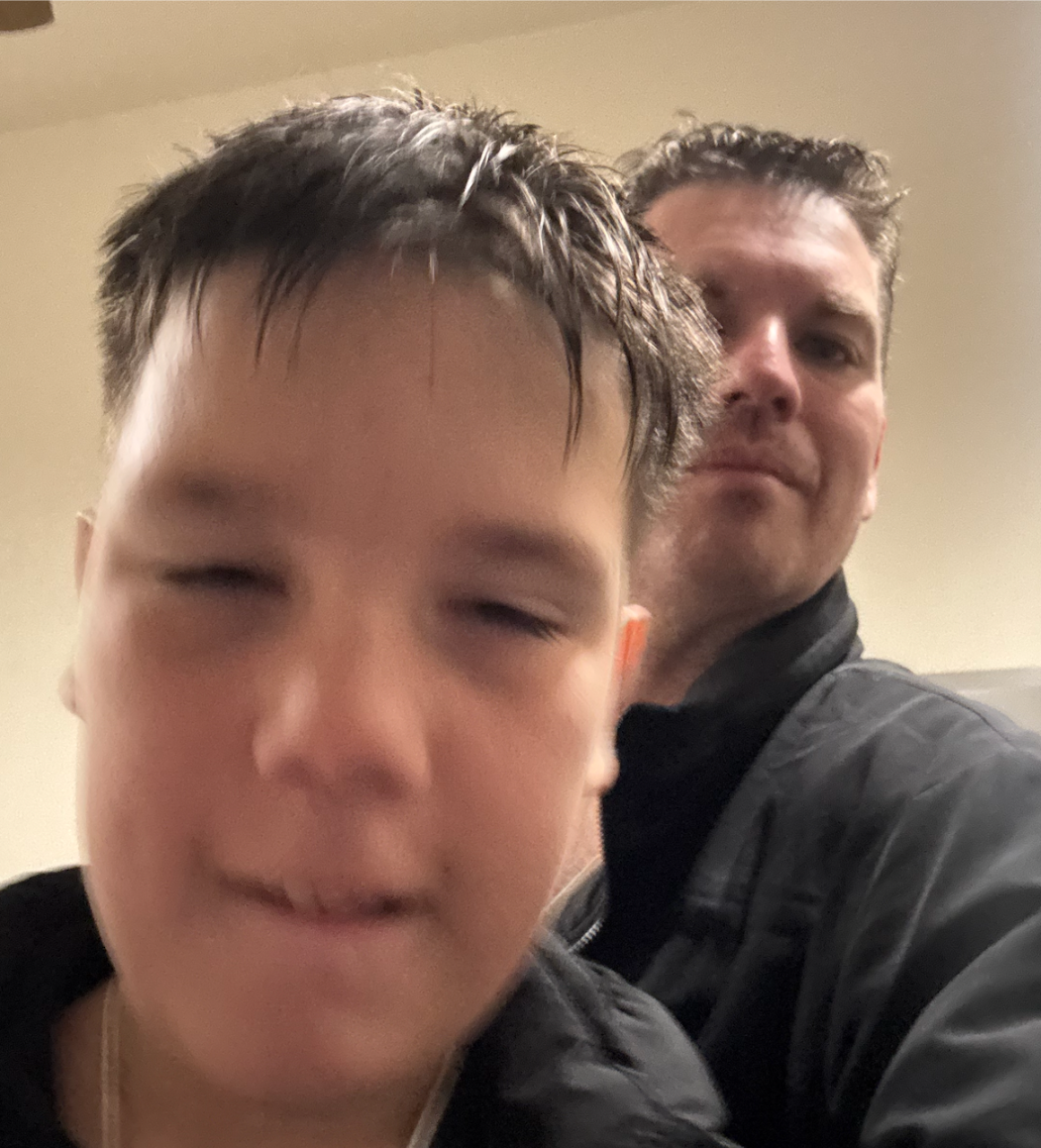
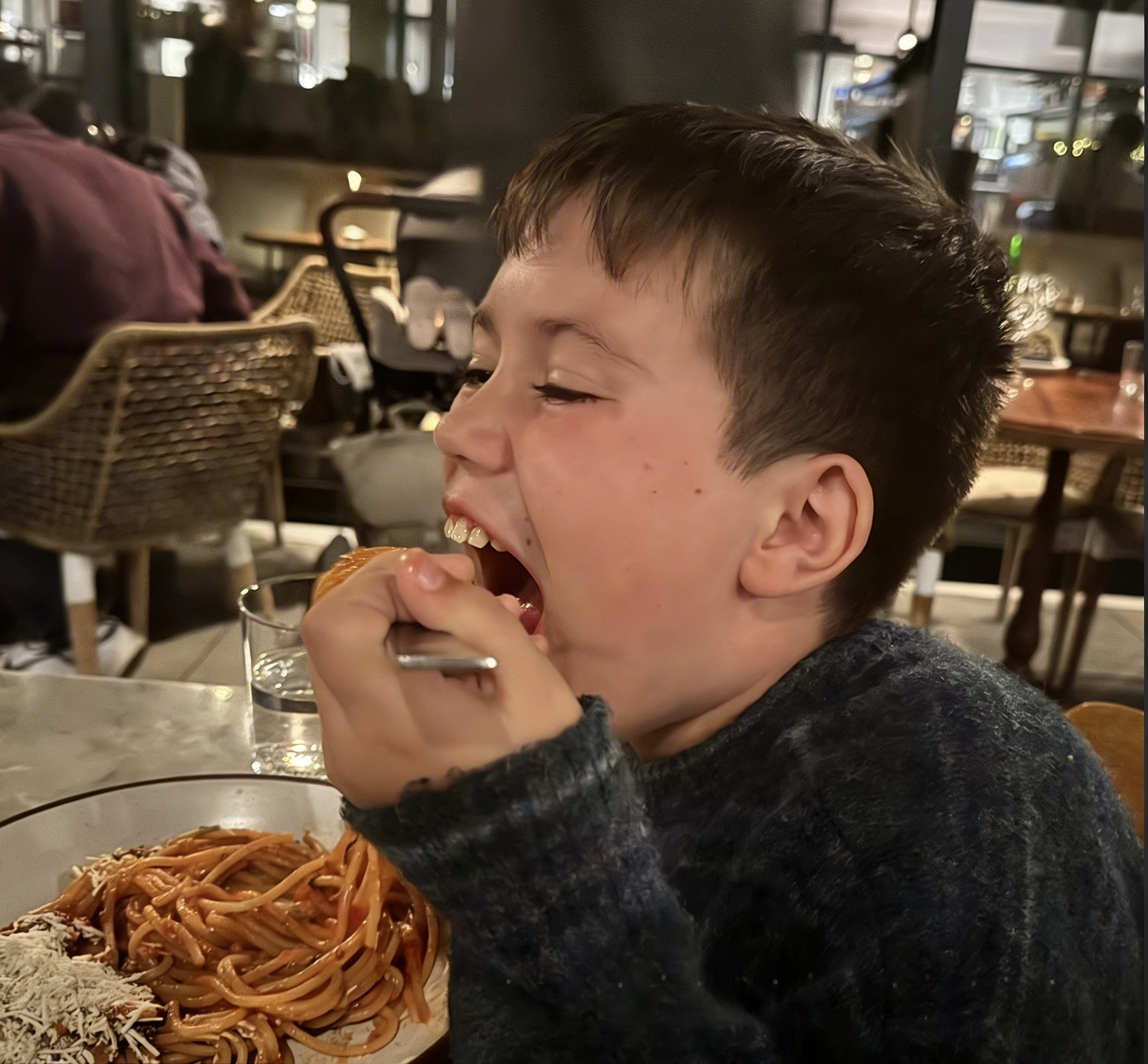
Example 1 - 0 MyFirstWater-OriginalNoWatermark
Please watch the video “MyHumanWatermark- Two Samples and Results” for more information.

09
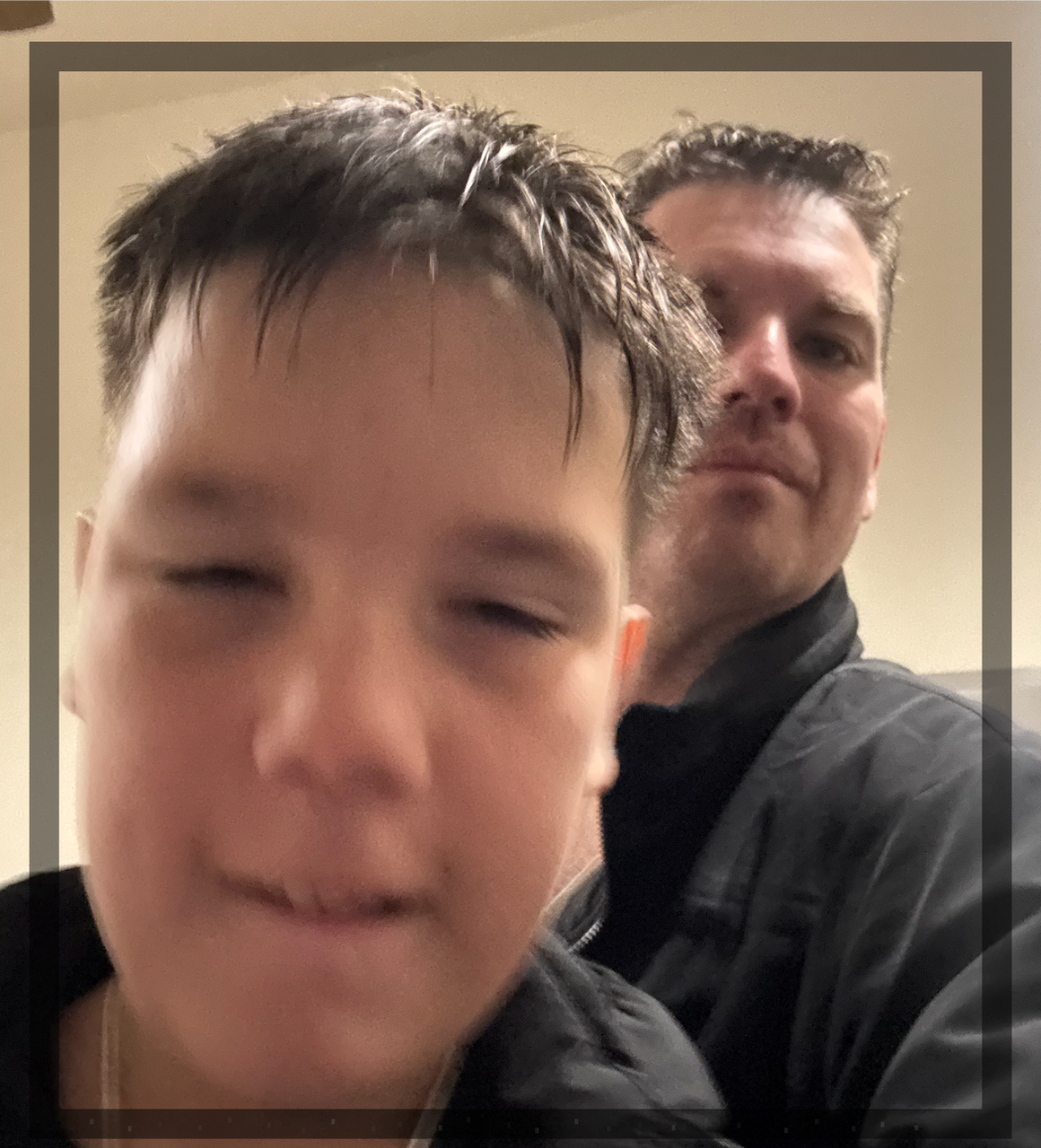
Example 1 - 1 MyFirstWatermark
Please watch the video “MyHumanWatermark- Two Samples and Results” for more information.

10
Example 1 - 2 MyFirstWater-AIRemovedWatermark
Please watch the video “MyHumanWatermark- Two Samples and Results” for more information.

11
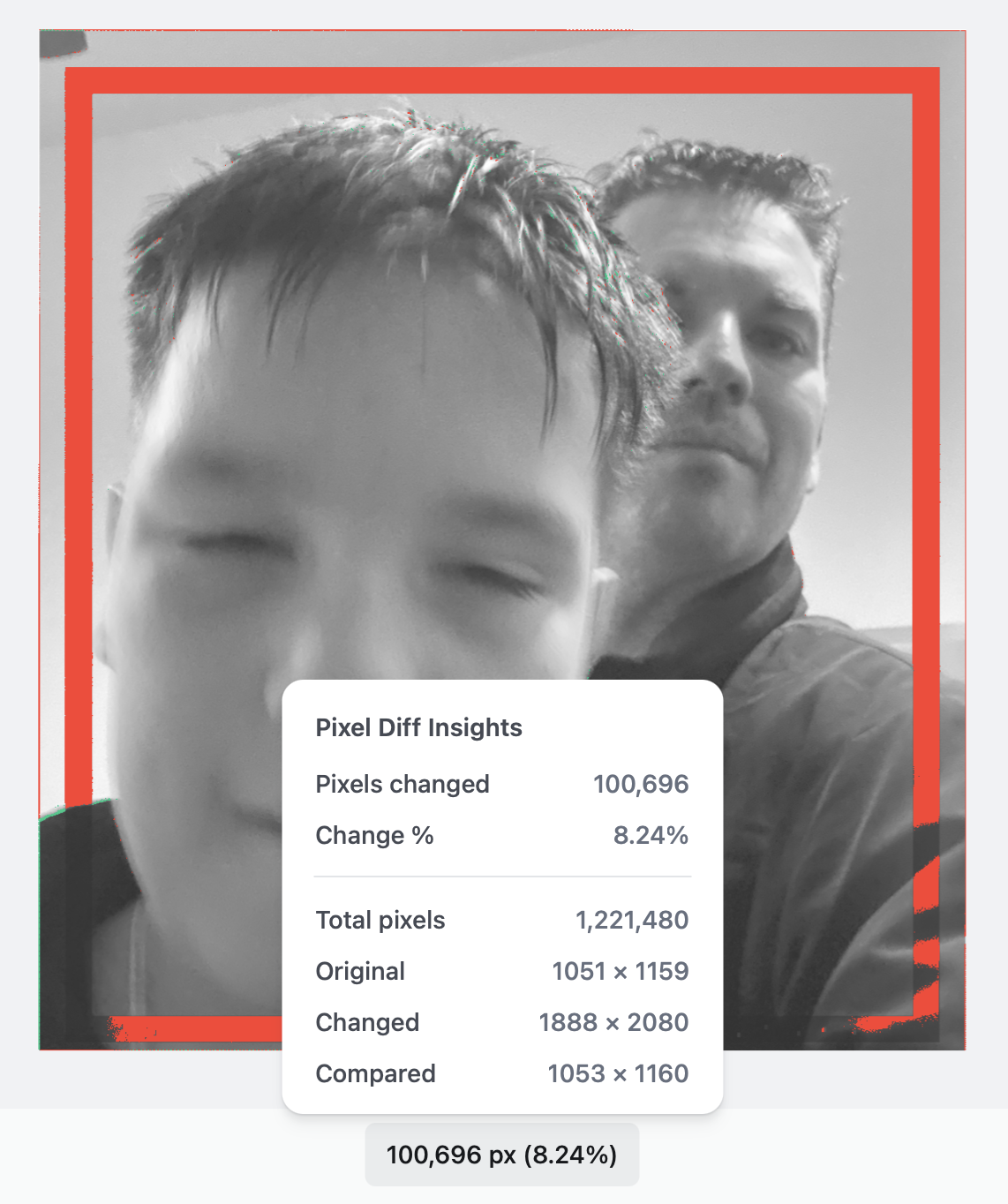
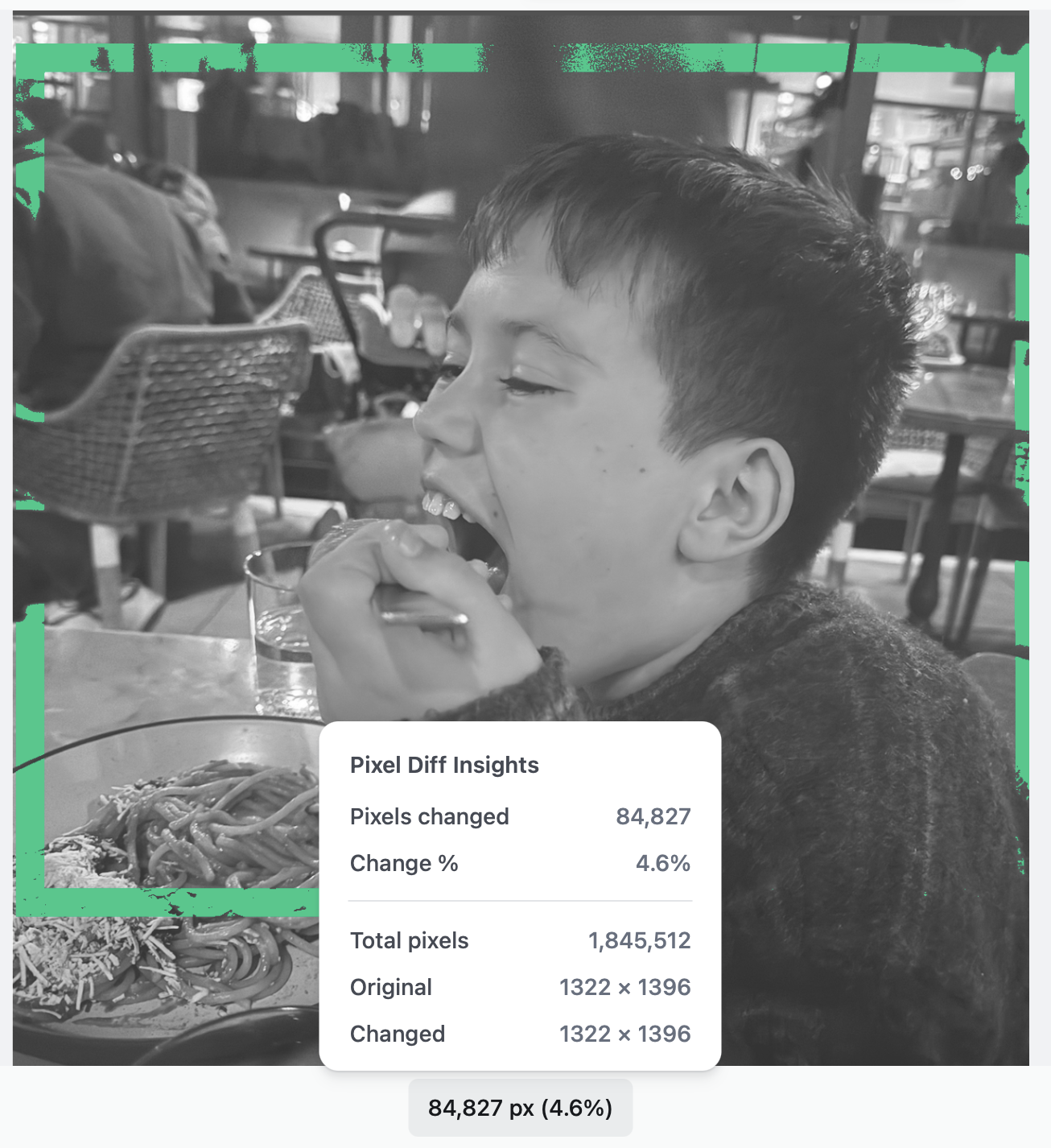
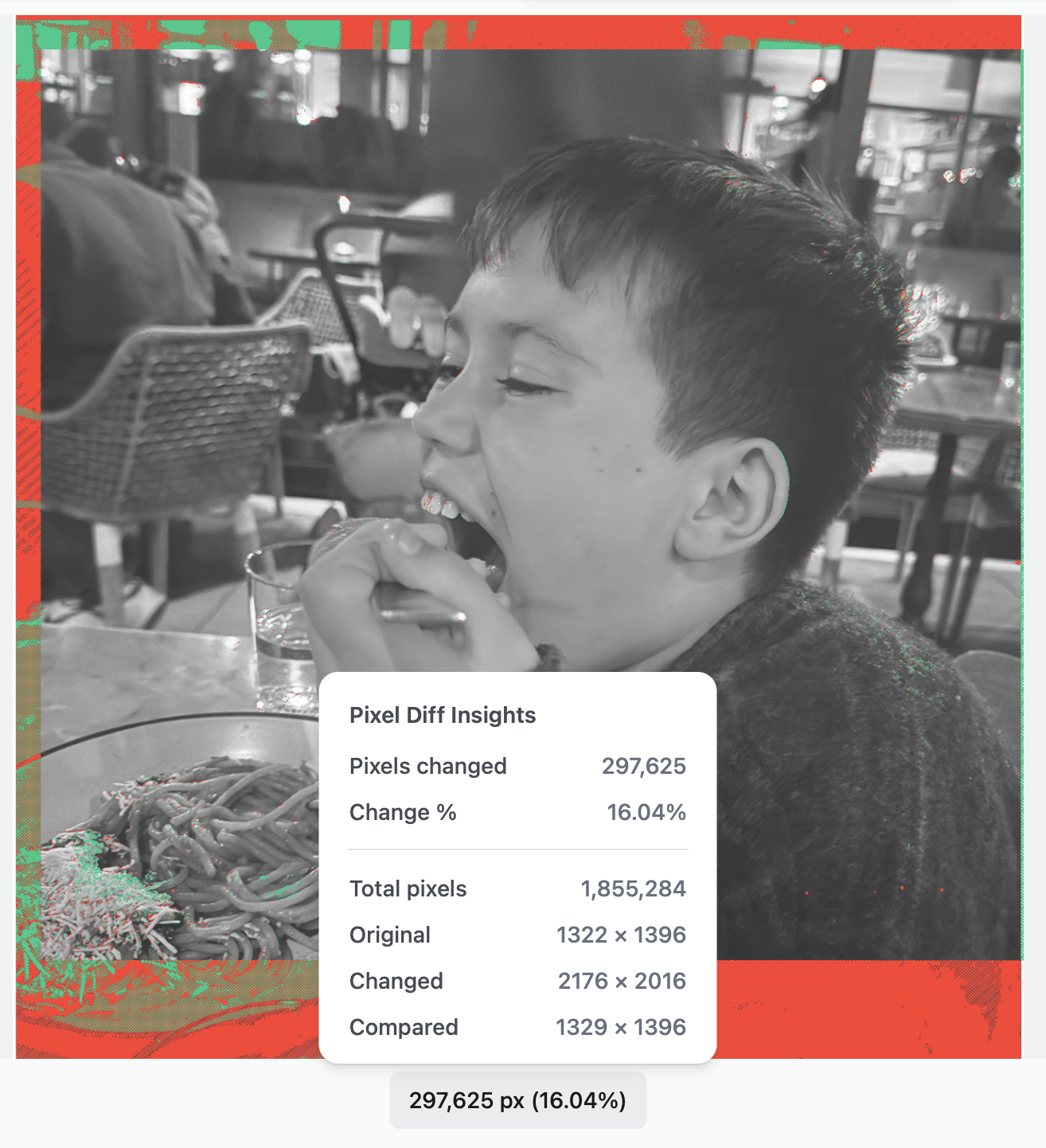
Example 1 - 3 Image Compare Before
Please watch the video “MyHumanWatermark- Two Samples and Results” for more information.

12
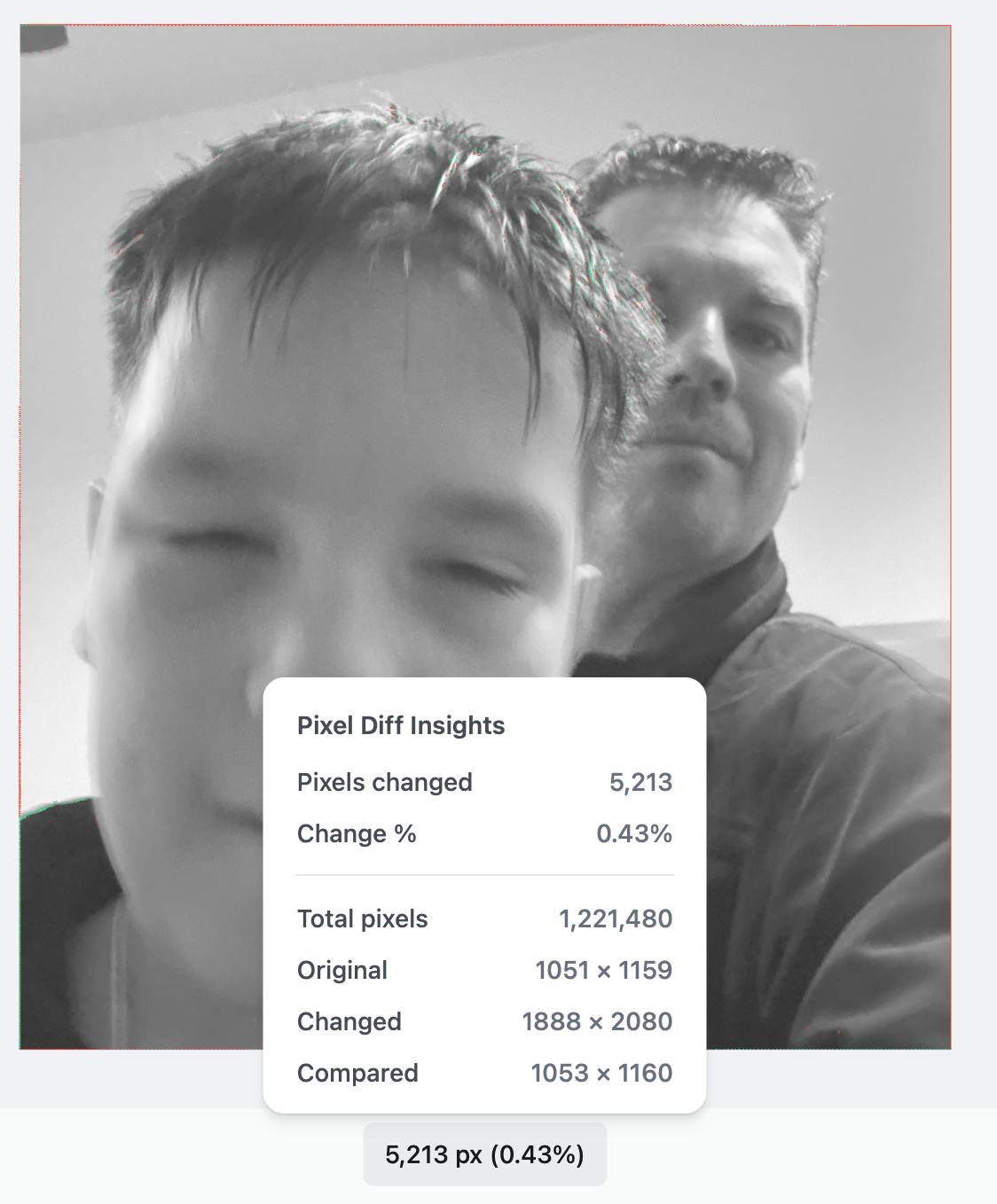
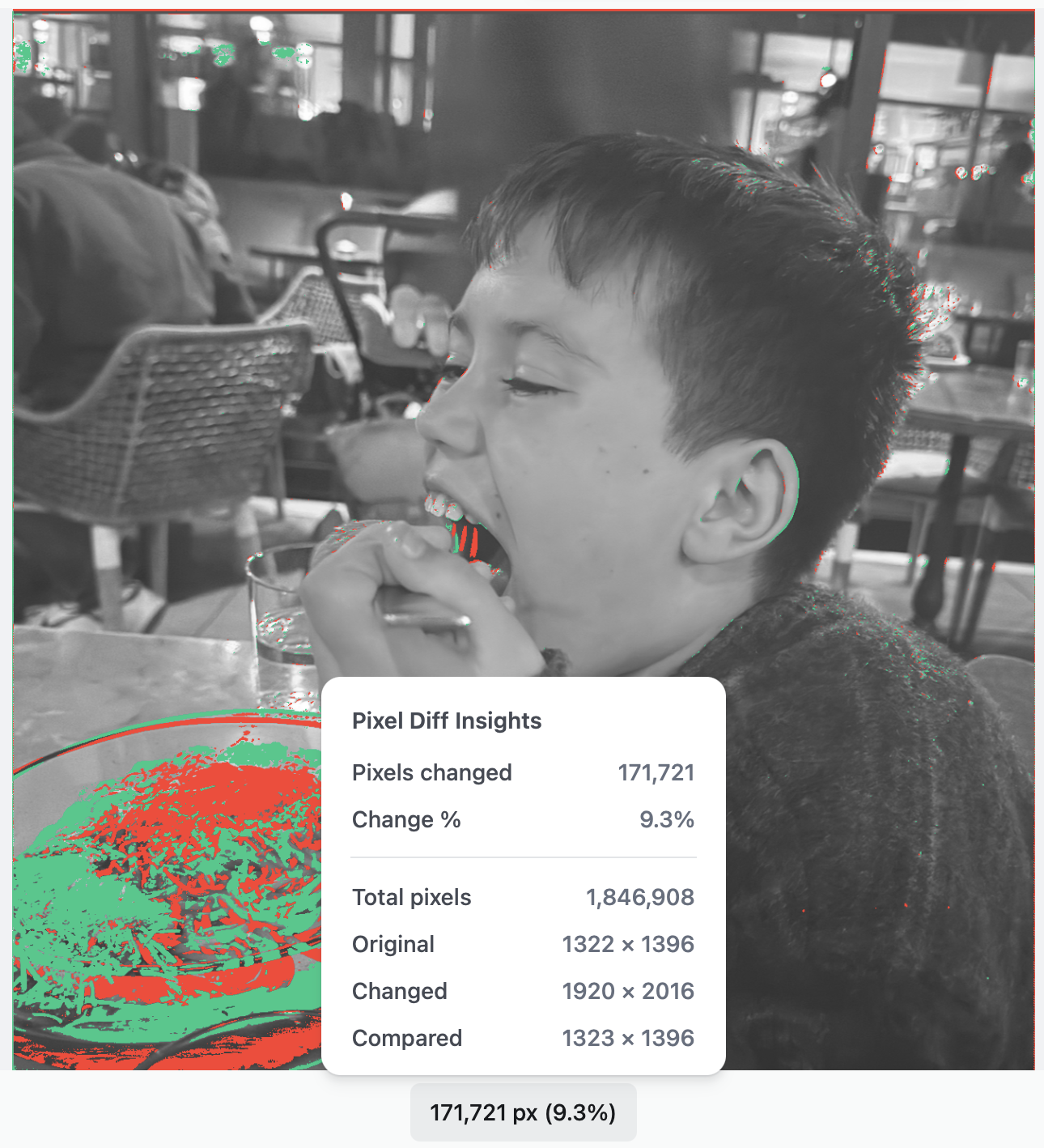
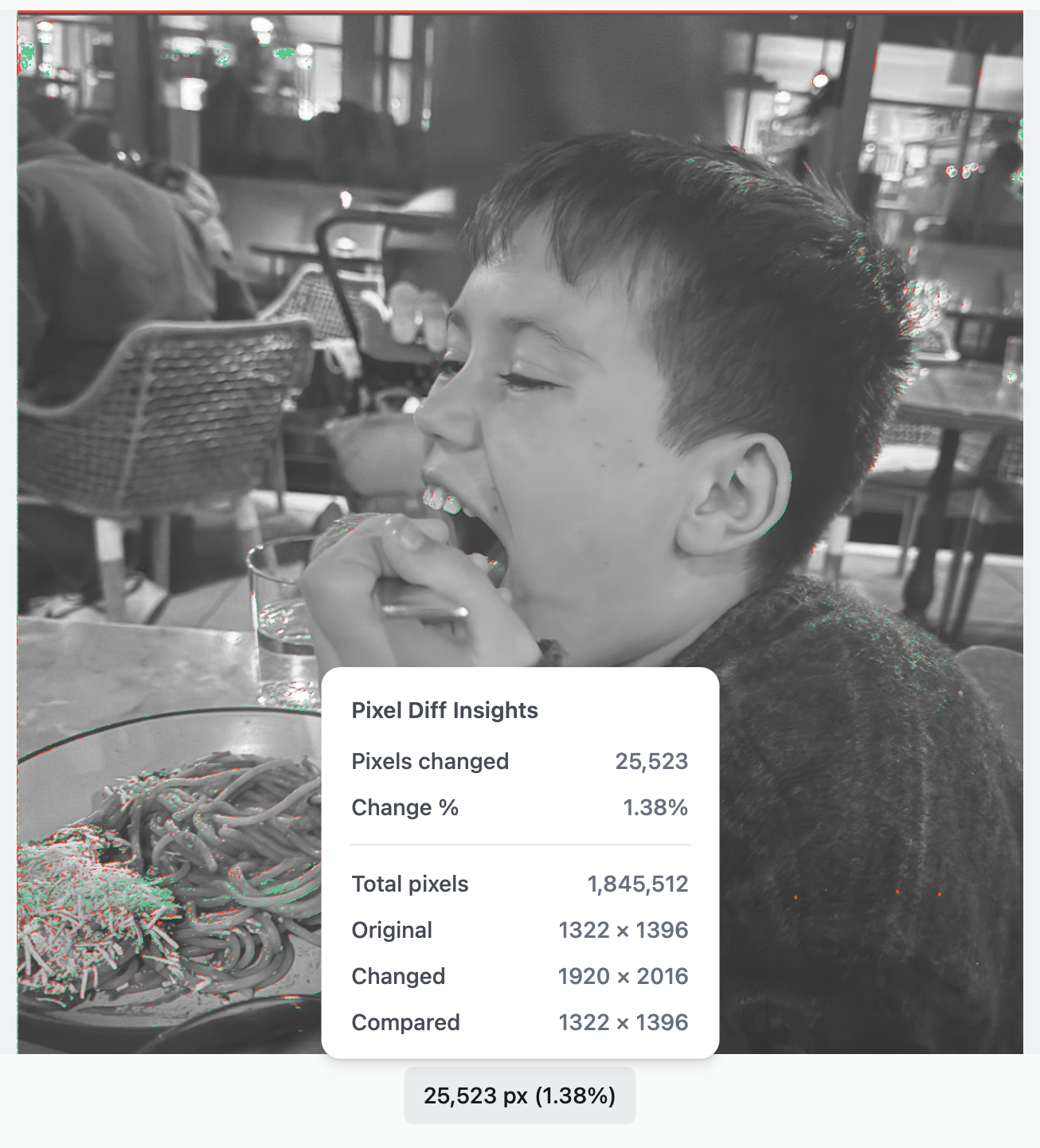
Example 1 - 4 Image Compare After
Please watch the video “MyHumanWatermark- Two Samples and Results” for more information.

13
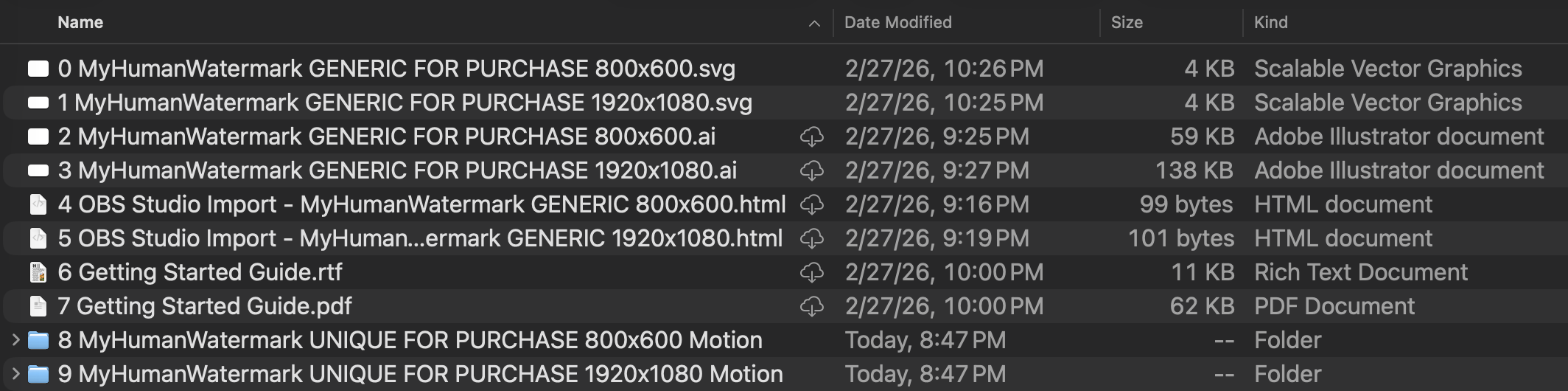
MyHumanWatermark Low and Mid Tier Example File Listing
Here is an initial sample of files with your purchase.

14
MyHumanWatermark SVG File Example
Upon purchase, the full SVG file is the customer's to keep. The general tier watermark must keep its lower portion to show purchase. See our "Buy" section for more details.

15
Example 2 - 1 MyFirstWater
Please watch the video “MyHumanWatermark- Two Samples and Results” for more information.

16
Example 2 - 2a MyFirstWater-AIRemovedWatermark
Please watch the video “MyHumanWatermark- Two Samples and Results” for more information.

17
Example 2 - 2b MyFirstWater-AIRemovedWatermark
Please watch the video “MyHumanWatermark- Two Samples and Results” for more information.

18
Example 2 - 2c MyFirstWater-AIRemovedWatermark Last Try
Please watch the video “MyHumanWatermark- Two Samples and Results” for more information.

19
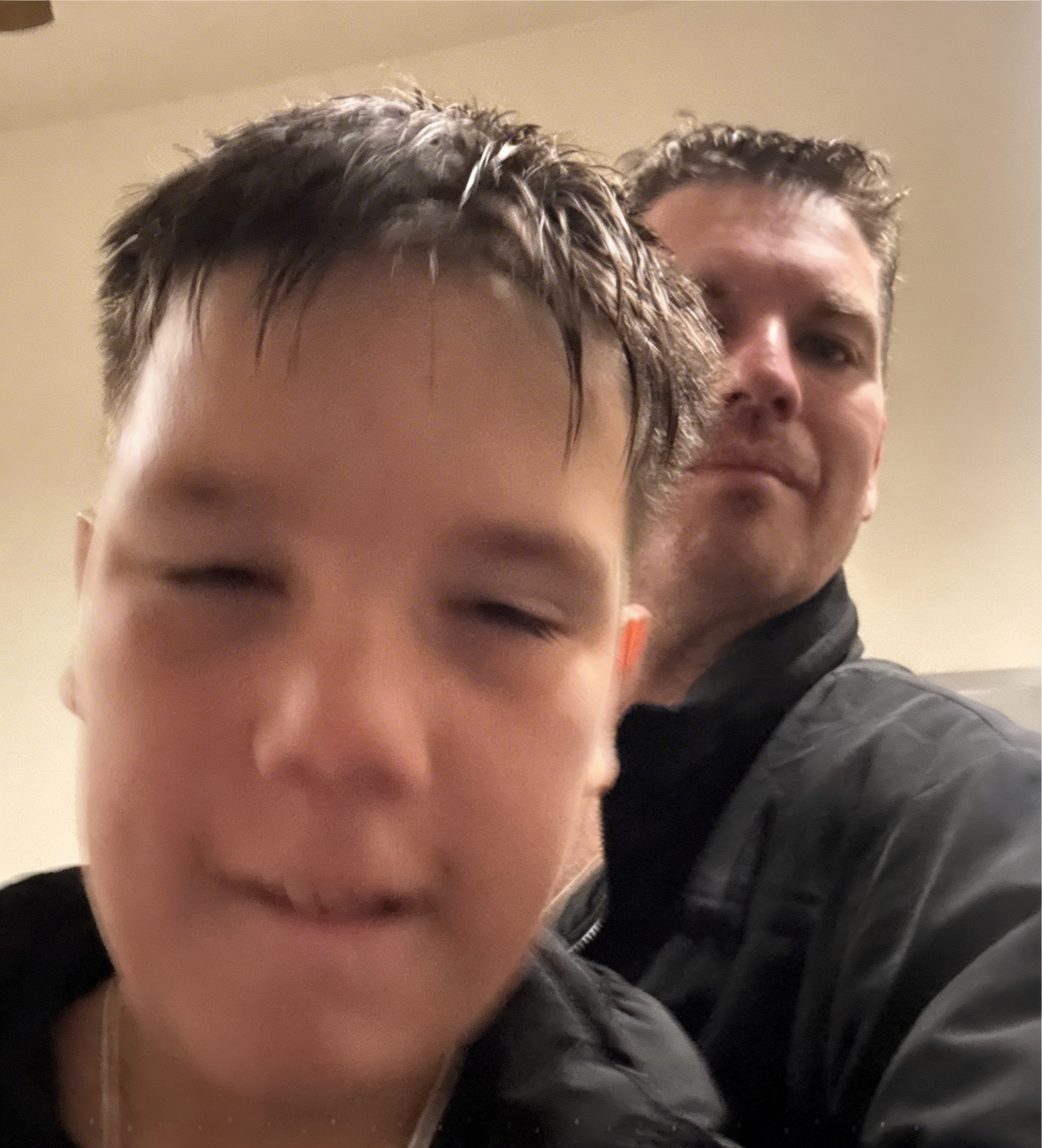
Example 2 - 3 Image Compare Before
Please watch the video “MyHumanWatermark- Two Samples and Results” for more information.

20
Example 2 - 4a Image Compare After
Please watch the video “MyHumanWatermark- Two Samples and Results” for more information.

21
Example 2 - 4b Image Compare After
Please watch the video “MyHumanWatermark- Two Samples and Results” for more information.

22
Example 2 - 4c Image Compare After
Please watch the video “MyHumanWatermark- Two Samples and Results” for more information.
01 / 22
Working in Final Cut Pro
Using PixelmatorPro to create a Motion Project then export to FCP. as a generator was easy. Also, you do it 2x (one 4:3, one 16:9), you won't have to do it again.
01
Working in Final Cut Pro
Using PixelmatorPro to create a Motion Project then export to FCP. as a generator was easy. Also, you do it 2x (one 4:3, one 16:9), you won't have to do it again.
02
Pixelmator Pro Transforming Vectors no Problems
Changing layers, sizes and canvas is easy. Our watermark file type is being used by the latest editing software with minimal converting.
03
Working the 16:9 Video in FinalCut and Other Blend Modes
Other blend modes should also be considered. You might be able to have your watermark blend in more to be less distracting, but still be an issue for AI.
04
Apple Motion Working with SVG to Motion Projects with no Issues
Using PixelmatorPro to make our SVG files be available to Apple Motion was easy. Keeping this vector is crucial for an effective border watermark.
05
Using Crop and Distort Along with our Watermark in Final Cut Pro
Making changes below the generator was also easy. Never once did I experience issues where the exported video didn't match the timeline preview.
06
Transforming your Generator (Motion SVG) While in Final Cut = No problem!
Again, using different methods to keep your overlay is key. We can transform, scale and make decisions all while still in Final Cut Pro.
07
Pixelmator Pro Native SVG Use
For Apple's new Creator Bundle, starting with PixelPro is a blast. Seeing this open the layers, respect their names and keeping it organized is a treat vs Adobe Photoshop & Premiere.
08
Example 1 - 0 MyFirstWater-OriginalNoWatermark
Please watch the video “MyHumanWatermark- Two Samples and Results” for more information.
09
Example 1 - 1 MyFirstWatermark
Please watch the video “MyHumanWatermark- Two Samples and Results” for more information.
10
Example 1 - 2 MyFirstWater-AIRemovedWatermark
Please watch the video “MyHumanWatermark- Two Samples and Results” for more information.
11
Example 1 - 3 Image Compare Before
Please watch the video “MyHumanWatermark- Two Samples and Results” for more information.
12
Example 1 - 4 Image Compare After
Please watch the video “MyHumanWatermark- Two Samples and Results” for more information.
13
MyHumanWatermark Low and Mid Tier Example File Listing
Here is an initial sample of files with your purchase.
14
MyHumanWatermark SVG File Example
Upon purchase, the full SVG file is the customer's to keep. The general tier watermark must keep its lower portion to show purchase. See our "Buy" section for more details.
15
Example 2 - 1 MyFirstWater
Please watch the video “MyHumanWatermark- Two Samples and Results” for more information.
16
Example 2 - 2a MyFirstWater-AIRemovedWatermark
Please watch the video “MyHumanWatermark- Two Samples and Results” for more information.
17
Example 2 - 2b MyFirstWater-AIRemovedWatermark
Please watch the video “MyHumanWatermark- Two Samples and Results” for more information.
18
Example 2 - 2c MyFirstWater-AIRemovedWatermark Last Try
Please watch the video “MyHumanWatermark- Two Samples and Results” for more information.
19
Example 2 - 3 Image Compare Before
Please watch the video “MyHumanWatermark- Two Samples and Results” for more information.
20
Example 2 - 4a Image Compare After
Please watch the video “MyHumanWatermark- Two Samples and Results” for more information.
21
Example 2 - 4b Image Compare After
Please watch the video “MyHumanWatermark- Two Samples and Results” for more information.
22
Example 2 - 4c Image Compare After
Please watch the video “MyHumanWatermark- Two Samples and Results” for more information.
- Using PixelmatorPro to create a Motion Project then export to FCP. as a generator was easy. Also, you do it 2x (one 4:3, one 16:9), you won't have to do it again.
- Other blend modes should also be considered. You might be able to have your watermark blend in more to be less distracting, but still be an issue for AI.
- Using PixelmatorPro to make our SVG files be available to Apple Motion was easy. Keeping this vector is crucial for an effective border watermark.
- Making changes below the generator was also easy. Never once did I experience issues where the exported video didn't match the timeline preview.
- Again, using different methods to keep your overlay is key. We can transform, scale and make decisions all while still in Final Cut Pro.
- For Apple's new Creator Bundle, starting with PixelPro is a blast. Seeing this open the layers, respect their names and keeping it organized is a treat vs Adobe Photoshop & Premiere.
- Please watch the video “MyHumanWatermark- Two Samples and Results” for more information.
- Please watch the video “MyHumanWatermark- Two Samples and Results” for more information.
- Please watch the video “MyHumanWatermark- Two Samples and Results” for more information.
- Please watch the video “MyHumanWatermark- Two Samples and Results” for more information.
- Here is an initial sample of files with your purchase.
- Upon purchase, the full SVG file is the customer's to keep. The general tier watermark must keep its lower portion to show purchase. Mid tier must also keep its unique assigned watermark for registration purposes. The high tier one is for you to fully customize and send us a copy when ready.
- Please watch the video “MyHumanWatermark- Two Samples and Results” for more information.
- Please watch the video “MyHumanWatermark- Two Samples and Results” for more information.
- Please watch the video “MyHumanWatermark- Two Samples and Results” for more information.
- Please watch the video “MyHumanWatermark- Two Samples and Results” for more information.
- Please watch the video “MyHumanWatermark- Two Samples and Results” for more information.
- Please watch the video “MyHumanWatermark- Two Samples and Results” for more information.
- Please watch the video “MyHumanWatermark- Two Samples and Results” for more information.
- Please watch the video “MyHumanWatermark- Two Samples and Results” for more information.




bottom of page